Grocery Store Seasonal Graphics Installation
Seasonal campaigns can transform a grocery store overnight, but only when every graphic arrives, fits, and goes up according to plan. Professional grocery store graphics installation turns campaign artwork into a coordinated in-store experience across storefront windows, aisles, floors, coolers, walls, and promotional zones. AP Installations helps retail operations and marketing teams protect brand consistency while keeping customer disruption to a minimum.
Request a grocery graphics installation estimate from AP Installations
This guide explains how to plan seasonal graphics from installation through removal. It also shows how AP Installations helps retailers execute clean, reliable graphics programs across the Pacific Northwest.
Why grocery store graphics installation needs a seasonal plan
A grocery campaign rarely depends on one sign. A typical seasonal rollout may include window graphics at the entrance. Floor directionals that lead shoppers toward a display, aisle markers, cooler decals, and wall graphics around a temporary promotional zone. Each element must appear in the right place at the right time.
A seasonal installation plan connects the creative calendar with store operations. It defines which graphics belong at each location, when installers can access the space, what surfaces require preparation, and when old materials must come down. Without that coordination, stores risk missing launch dates, displaying outdated offers, or creating an inconsistent customer experience.
Start with a complete graphics inventory
Create a location-by-location list that identifies every graphic, its finished size, intended surface, placement, campaign date, and removal date. Include photographs or diagrams for placements that could be interpreted in more than one way. This inventory becomes the shared source of truth for the marketing team, store manager, printer, and installer.
Confirm site conditions before production
Field measurements and surface checks should happen before graphics are printed. Glass dimensions, floor transitions, textured walls, cooler doors, and obstructions can change how a design must be produced and installed. A site survey reduces the chance of discovering a fit or material problem during the installation window.
Turn storefront windows into timely promotions
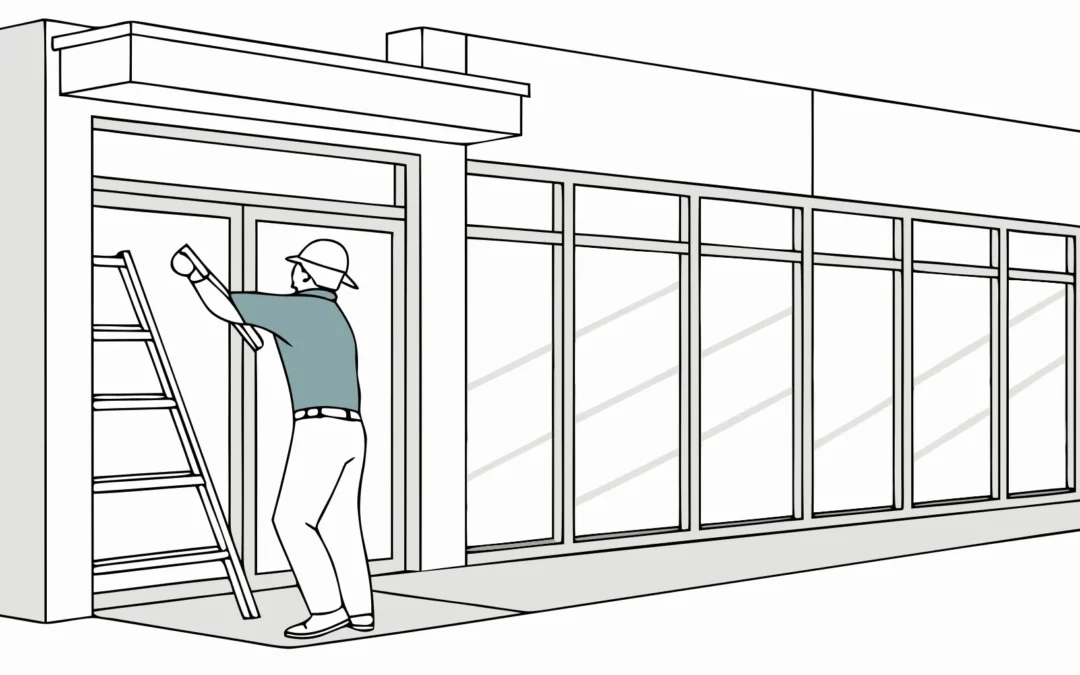
Storefront windows are often the first campaign touchpoint a shopper sees. AP Installations helps retailers announce holiday specials, introduce a new department, promote a loyalty program, or establish a seasonal mood before customers enter the store. The installation must look polished from outside while preserving appropriate visibility and light inside.
Prepare glass for a clean finish
Window graphics perform best when installers can work on clean, dry glass without interfering hardware, old adhesive, or residue. The installation team should confirm whether graphics are applied to the interior or exterior face. Use this window vinyl installation guide to plan panel alignment across mullions, doors, and moving sections.
Plan for fast campaign changeovers
Seasonal windows should be designed with the next changeover in mind. Document panel positions and removal instructions, then coordinate the removal date with the next installation. This approach prevents blank windows, outdated promotions, and rushed last-minute replacements.
How do aisle and floor graphics improve wayfinding?
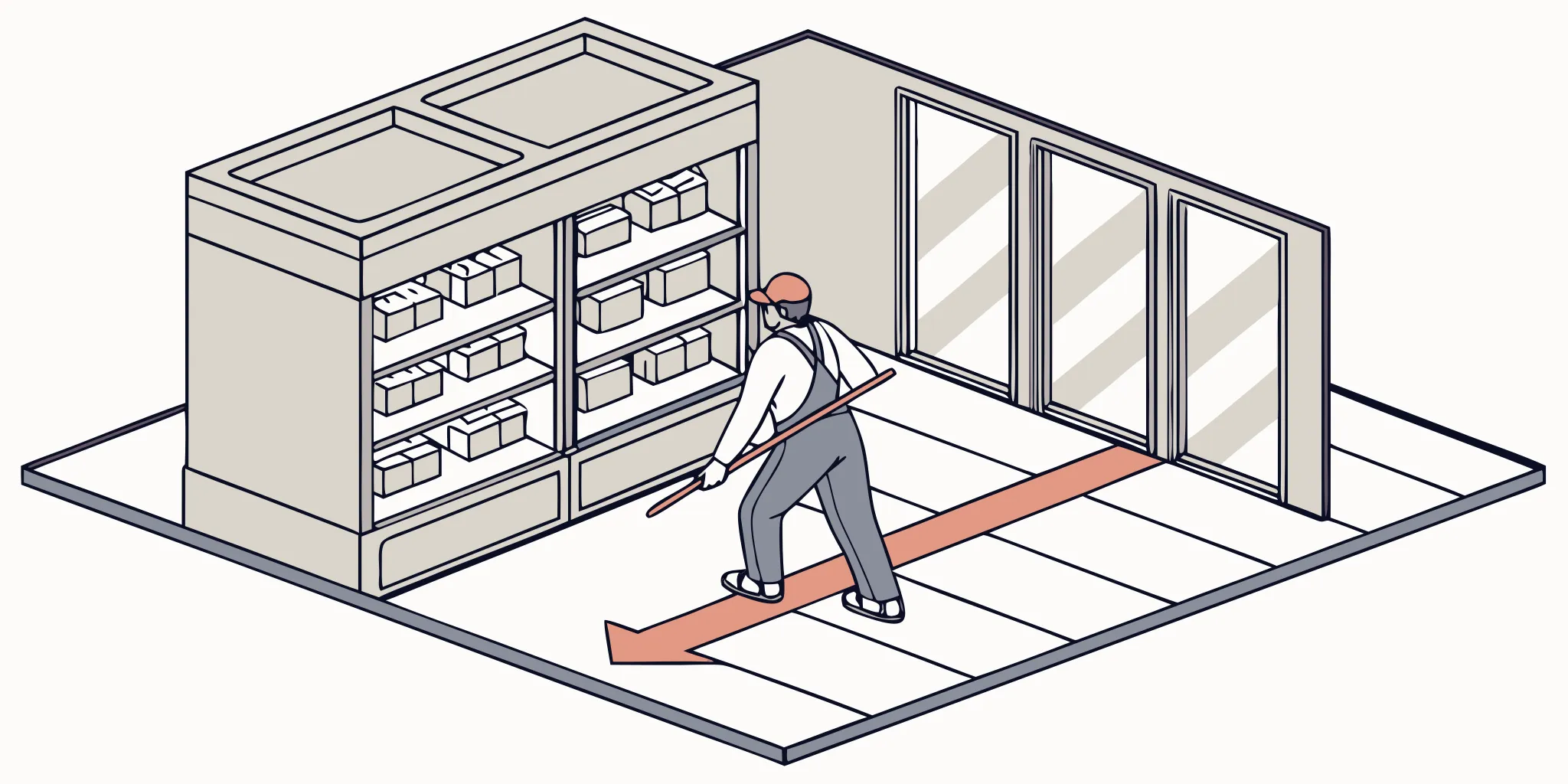
Aisle and floor graphics help shoppers understand where to go and what to notice. AP Installations places directionals to lead customers to seasonal merchandise, highlight pickup areas, guide traffic around temporary displays, or reinforce department navigation. Because shoppers make decisions while moving, messages should be brief, visible, and positioned where people naturally look.
Use directionals as a connected path
One arrow is rarely enough. Effective wayfinding creates a sequence from the entrance to the destination. A window or entry sign introduces the promotion, aisle markers confirm the route, and floor directionals guide shoppers through decision points. At the destination, display graphics confirm that they have arrived.
Match floor graphics to real traffic patterns
Floor placements must account for carts, queues, displays, cleaning routines, and the direction shoppers approach. AP Installations can identify placements that remain visible and avoid seams, damaged flooring, or areas where a temporary graphic could interfere with store operations. Review removable floor decal planning before choosing materials and locations.
Build temporary promotional zones that feel intentional
Temporary promotional zones give grocery teams flexibility to feature holiday products, local vendors, sampling events, and limited-time offers. AP Installations helps each short-term zone feel integrated with the rest of the store rather than assembled from disconnected signs. See examples in the AP Installations project portfolio.
Use a coordinated set of wall, floor, display, and cooler graphics to define the area. Keep typography, color, and message hierarchy consistent. Installers should work from a placement plan that accounts for customer sightlines, product restocking, emergency access, and nearby permanent signage.
Coordinate graphics with fixtures and inventory
Confirm the final fixture layout before installation begins. A floor graphic hidden by a pallet or a wall panel blocked by a display cannot do its job. When fixtures will move during the campaign, identify alternate placements in advance.
Plan installation around low-traffic hours
Grocery stores operate on tight schedules, and graphics work should not obstruct customers, employees, or restocking activity. AP Installations coordinates low-traffic installation windows so crews can work efficiently while store teams have time to inspect the finished campaign before the next rush.
Explore AP Installations graphics installation solutions
- Confirm scope and access. Share the graphics inventory, placement plan, delivery status, and approved work window with the store contact and installation lead.
- Stage materials by zone. Organize graphics and tools so the crew can move through the store in a logical sequence without repeatedly crossing active areas.
- Prepare every surface. Remove outdated graphics and residue, clean the application area, and verify that each surface is suitable for the specified material.
- Install and document. Apply graphics according to the placement plan, then photograph completed work for the operations and marketing teams.
- Complete a final walkthrough. Check alignment, edges, message accuracy, and the overall shopper path before returning the area to normal use.
Coordinate with store operations
The best time may be before opening, after closing, or during a known low-volume period. Store management should also identify cleaning schedules, vendor deliveries, and restocking work that could overlap with installation. Clear communication keeps all teams productive and reduces avoidable delays.
Match each graphic to its surface and campaign
Choosing graphics by appearance alone can create installation and removal problems. AP Installations evaluates the intended surface, campaign duration, traffic level, cleaning process, and environmental conditions to guide the application approach. The team’s 3M Preferred graphics installer expertise supports careful planning and execution.
| Application area | Common campaign use | Planning priorities |
|---|---|---|
| Storefront glass | Seasonal promotions and brand messages | Accurate measurements, panel alignment, visibility, and clean removal |
| Interior walls | Department features and promotional zones | Wall texture, paint condition, obstacles, and placement height |
| Floors | Wayfinding and destination markers | Traffic patterns, floor condition, cleaning, and safe placement |
| Cooler doors | Product promotions and category messaging | Door movement, handles, viewing area, and condensation conditions |
| Temporary displays | Limited-time products and events | Fixture dimensions, stocking access, and replacement schedule |
Ask about the complete campaign lifecycle
Tell your installer how long the campaign will run and what must happen afterward. A graphic intended for a short promotion should support planned removal without unnecessary surface damage. Longer programs may require periodic inspection and replacement of high-contact or high-traffic elements.
Build removal and replacement into every campaign
Removal is not an afterthought. It is the last phase of the current campaign and the first phase of the next one. AP Installations plans removal schedules that help stores avoid faded, damaged, or expired messaging and gives teams enough time to address surface conditions before replacement graphics arrive. Follow these vinyl graphics maintenance tips between changeovers.
Maintain a campaign changeover record
Track installation dates, removal targets, graphic locations, and final photographs. Note any surfaces that required extra preparation or any placements that should change next time. These records make future campaigns easier to estimate and execute.
Coordinate removal and replacement together
Whenever possible, schedule removal immediately before the next installation. The crew can remove old material, clean and inspect each surface, and apply replacement graphics in one coordinated visit. If damage or unexpected residue appears, the team can document it quickly and adjust the plan.
What should you ask a grocery graphics installer?
A capable installer should do more than apply vinyl. The installation partner should understand how to review surfaces, interpret placement plans, coordinate with active retail locations, and document results. For seasonal programs, ask how the team handles short work windows, multiple graphic types, changeovers, and communication across stakeholders.
- Can the installer complete a site survey and verify measurements?
- How will the crew coordinate access with store management?
- Can installation happen during approved low-traffic hours?
- How are completed placements documented?
- Can removal and replacement be included in the project scope?
- How does the installer maintain consistency across multiple locations?
AP Installations is a 3M Preferred Installer serving businesses across the Pacific Northwest. Explore the company’s retail graphics installation solutions to see how professional installation supports windows, walls, floors, and branded environments.
Coordinate multi-location grocery graphics campaigns
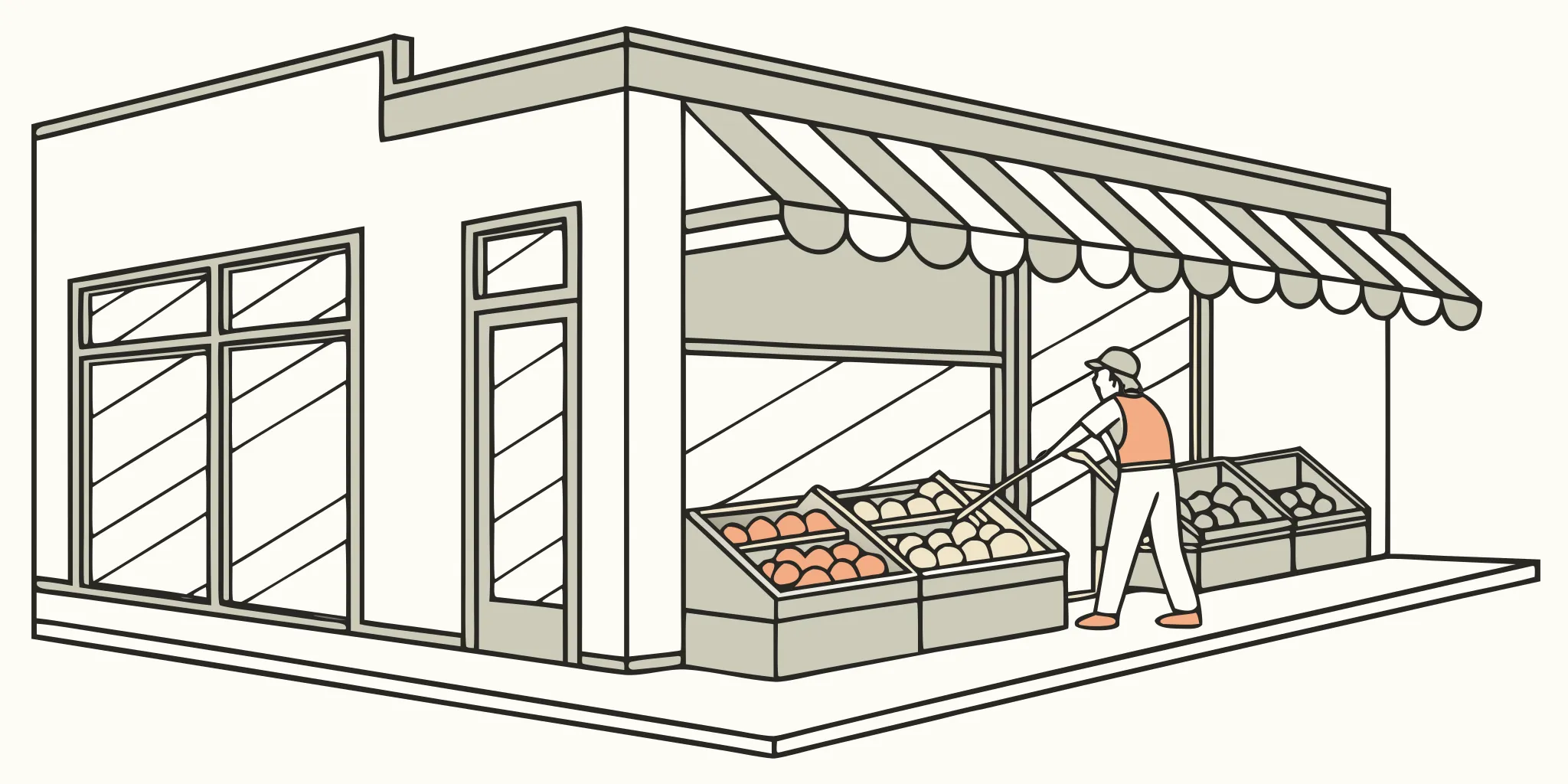
Multi-location programs add another layer of complexity. AP Installations builds rollout plans that preserve a campaign’s visual identity while accounting for each store’s window sizes, floor layouts, access rules, and busy periods. Print partners can also review how to work with a graphics installation partner on coordinated campaigns.
Create a store-specific installation packet
Prepare one packet for each location. Include verified measurements, placement maps, graphic quantities, campaign dates, work windows, receiving instructions, and contact details. Label every shipped graphic by store and zone. These details reduce sorting time and help the installer confirm that the complete kit arrived before work begins.
Use a repeatable approval process
Decide who can approve field adjustments when a graphic cannot be placed exactly as planned. Store managers may understand daily traffic best, while the marketing team protects brand standards. A clear approval path lets the crew solve small issues without delaying the full rollout.
Review completion photos across locations
Completion photographs help operations teams confirm that every location followed the approved plan. Review similar angles across stores, including entrances, promotional destinations, and key wayfinding points. When a placement works especially well, document it as a standard for the next campaign.
Use a pre-installation checklist to prevent delays
A short checklist can prevent the most common installation-day surprises. AP Installations reviews project details before materials ship and again with the store contact before the crew arrives. For exterior campaign elements, the storefront graphics permit checklist can help teams plan ahead.
- Verify that artwork, sizes, quantities, and placement maps match the approved campaign.
- Confirm that all graphics have arrived at the correct location and remain protected.
- Identify the installer entrance, parking instructions, check-in contact, and approved work hours.
- Confirm that displays, products, and carts can be moved away from installation areas.
- Review surface conditions, including old adhesive, peeling paint, damaged flooring, or condensation.
- Reserve enough time for removal, surface cleaning, application, inspection, and photographs.
Keep the launch date realistic
Build time into the schedule for measurement checks, production, shipping, and installation. If a campaign uses several graphic types, sequence the work so the most visible customer touchpoints are ready first. A realistic schedule gives teams room to solve issues without sacrificing quality.
Define what finished means
Before installation, agree on the final quality check. The walkthrough should cover alignment, smooth edges, accurate messages, clear directionals, and clean surrounding surfaces. It should also confirm that tools, backing paper, and removed materials leave the store with the crew.
Frequently asked questions
How early should a grocery store schedule seasonal graphics installation?
Schedule as early as possible once campaign dates, artwork, locations, and production timing are known. Early coordination with AP Installations creates room for site surveys, measurement verification, store-access planning, and adjustments before the campaign launch.
Can grocery graphics be installed while the store is open?
Some work may be possible during operating hours, depending on the location and scope. However, AP Installations often recommends low-traffic windows to reduce disruption to shoppers and staff.
Who should approve graphic placements?
Retail marketing should confirm campaign messaging and visual standards, while store operations should approve access, traffic flow, and practical placement. A final placement plan keeps both teams aligned before installation begins.
Can an installer remove old graphics before installing new ones?
Yes, removal and replacement can be coordinated as one changeover. AP Installations can reserve time for removal, cleaning, inspection, and the new application when the existing material and surface condition are understood.
What information is needed for an installation estimate?
Provide graphic types, quantities, dimensions, store locations, intended surfaces, campaign dates, placement plans, and preferred work windows. Site photographs and access details also help clarify the project scope.
Prepare your next seasonal graphics rollout
A strong seasonal campaign depends on execution at store level. AP Installations helps retail teams translate campaign plans into clean, consistent graphics across storefront windows, aisles, floors, walls, and temporary promotional zones.
Request an installation estimate to plan your next grocery graphics rollout, including site coordination, low-traffic-hour installation, and scheduled removal or replacement.