Blog
Franchise Graphics Rollout Checklist
Use this franchise graphics rollout checklist to align assets, surveys, install handoffs, sequencing, and photo-backed closeout across every site.
Blog
Use this franchise graphics rollout checklist to align assets, surveys, install handoffs, sequencing, and photo-backed closeout across every site.
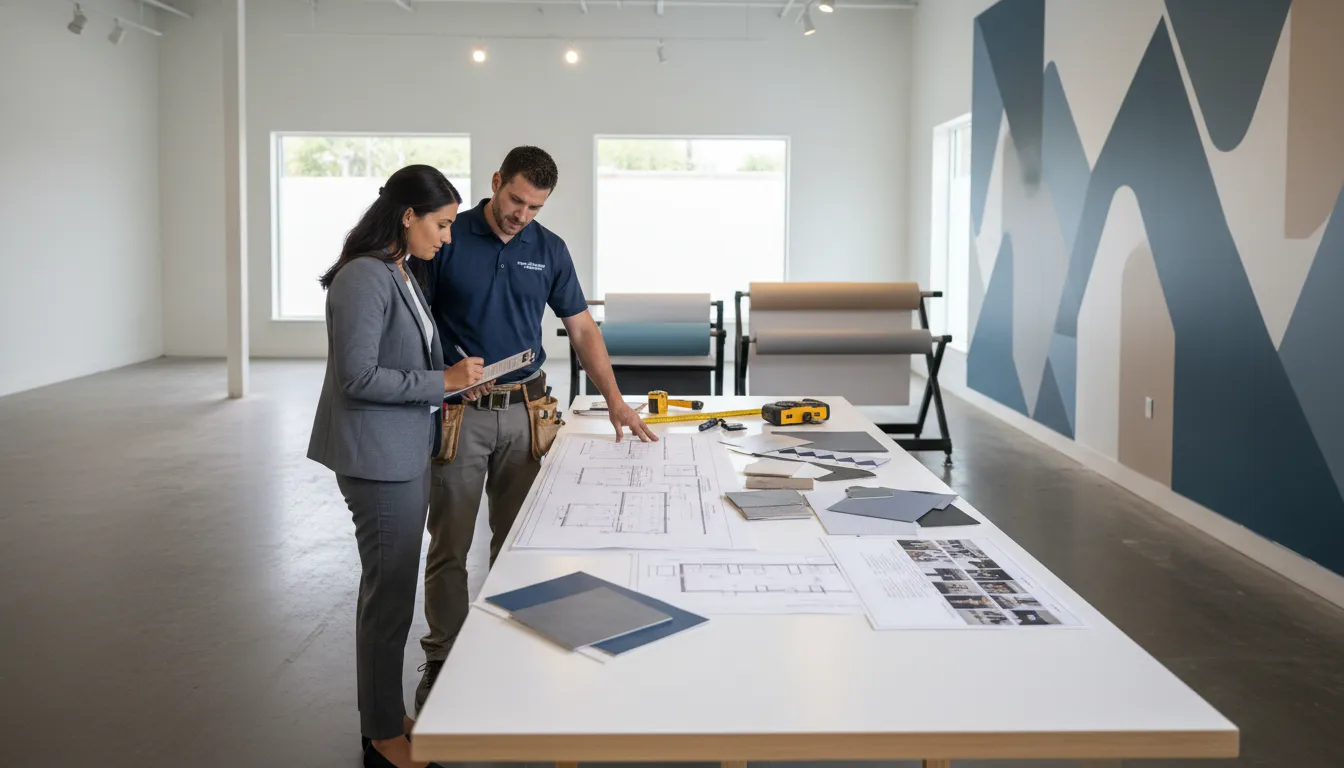
A franchise graphics rollout checklist keeps a rebrand or new-location opening from becoming a chain of avoidable surprises. Operations managers and brand directors need every storefront, window, wall, floor, promotional panel, and photo closeout to follow one standard, even when locations vary by market, footprint, and site condition. The checklist below turns that complexity into a repeatable workflow.
Planning a multi-location graphics rollout? Review AP Installations’ vinyl graphics installation solutions to coordinate surveys, production handoffs, field installation, and final verification.
Unlike a general signage checklist, this guide focuses on installation readiness. It is built for teams coordinating vinyl graphics across franchise or retail sites where artwork consistency, reliable field information, material handling, sequencing, and closeout documentation directly affect rework. For a broader look at retail graphic types and use cases, see AP Installations’ complete guide to retail graphics.
A useful franchise graphics rollout checklist should answer six operational questions before the first production file is released:
When those decisions live in scattered emails or memory, each site becomes its own custom project. When they live in a shared checklist, the rollout becomes easier to quote, schedule, audit, and repeat.
Start by defining the visual package, not by scheduling installers. Rebrands and franchise openings often involve multiple graphic families: exterior window vinyl, hours decals, wall murals, floor graphics, ADA or directional elements, point-of-purchase pieces, temporary launch graphics, and fleet or service-area identifiers. A single site may use only part of the package, but the program needs one master logic.
Create a matrix that maps every location to its graphic package. Useful columns include:
This matrix prevents teams from treating a flagship remodel and a smaller inline location as if they need identical graphics. It also gives leadership one source for tracking the rollout without chasing status by email.
Each rollout needs a controlled asset kit that specifies approved logos, colors, patterns, placement rules, file naming conventions, and production tolerances. If local operators can request custom variations, document the approval path. If they cannot, state that clearly. Consistency fails fastest when alternate logo files or outdated promotional copy move into production unchecked.
The asset kit should also identify which items are location-specific. Store hours, suite numbers, local permit language, regional promotions, or dimensional adjustments may vary. Everything else should be standardized so the installation team is executing a known program, not interpreting brand rules on site.
A rollout plan built on rough measurements is a rework plan. Site surveys convert the creative package into installable graphics by documenting actual field conditions. They are especially important across franchise systems because two locations with the same prototype can still have different glass layouts, wall textures, power-washed storefronts, repaired drywall, access restrictions, or landlord rules.
For every install surface, the survey package should record:
Do not rely on one wide photo with no dimensions. Production needs precise information to size panels and plan seams. Installers need enough context to estimate labor, tools, prep requirements, and risk.
Flag anything that could change production or scheduling: freshly painted walls that may need cure time, glass with old adhesive residue, uneven masonry, ongoing construction, uncertain power availability, blocked access, or local site managers who cannot approve after-hours work. An exception log gives the operations team a clean decision list before graphics are printed and shipped.
Once survey data is approved, the job moves from concept to release. The production handoff should connect each graphic file to the exact location, surface, dimensions, material expectation, and install intent. This step sounds administrative, but it is where many rollout errors begin.
Graphics should arrive at the field team in a way that makes the correct choice obvious. A box labeled only “window graphics” is not enough for a multi-site program. A shipment labeled by rollout wave, store ID, room or elevation, graphic type, and installation sequence reduces opening delays and misapplied assets.
If your design or print team needs a field partner, AP Installations can support certified installation execution without replacing the creative or production relationships already in place.
Geographic batching can reduce travel and simplify routing, but it should not be the only sequencing rule. The best rollout schedule accounts for readiness. A nearby store with missing survey approvals may be less efficient than a farther location with complete files, delivered graphics, confirmed access, and an opening deadline.
A practical wave plan can include:
The pilot matters. It exposes unclear instructions before the same mistake reaches dozens of stores. If a window decal needs a revised placement rule or a wall panel requires a different field notation, the time to discover that is at site one, not site thirty.
Before each location enters an install wave, confirm that the following gates are complete:
A schedule without readiness gates creates wasted truck rolls. A checklist with gates protects the brand team, the installer, and the franchisee from avoidable rescheduling.
Installers should arrive with the information required to execute, document, and escalate, not with a folder of disconnected drawings. A clear field packet reduces interpretation and keeps each location aligned with the rollout standard.
For example, an installer should know whether a small substrate irregularity is within tolerance, whether a wall graphic can shift to avoid a fixture, or whether work must pause until a brand director approves a revised placement. That clarity matters because field crews often work outside the same hours as corporate stakeholders.
AP Installations’ project portfolio shows the variety of surfaces and branded environments that professional vinyl graphics installation can involve. A repeatable packet helps that field experience translate across a multi-location program.
Photo verification is not a nice-to-have scrapbook. It is the fastest way to confirm brand compliance, document condition at completion, close franchisee questions, and resolve issues without revisiting every store. For nationwide or multi-market rollouts, it is part of the operating system.
Define the exact images needed for each surface:
Use file names that map to the location matrix and surface ID. A closeout archive named “IMG_4782” cannot support program-level review. A filename tied to region, store ID, room, surface, and completion date can.
Not every issue means the rollout failed. A small touch-up, missing panel, packaging problem, incorrect field measurement, or access issue may require a punch list. Define how issues are categorized, who approves corrective action, how quickly photos are reviewed, and when a location moves from “installed” to “accepted.”
A certified installation partner reduces rework by helping teams catch execution risks before, during, and after production. AP Installations is a 3M Certified vinyl graphics installation specialist, serving brand teams, print partners, and operations leaders that need professional field execution for commercial graphic programs. That matters when graphics must look consistent from one location to the next and when failed installs can affect launch timelines.
In a rollout checklist, installer involvement creates value at several stages:
For brand directors, that protects visual consistency. For operations managers, it protects schedules. For print partners, it reduces disputes caused by unclear field conditions or missing installation documentation.
Need a rollout partner that can bridge survey detail and final install quality? Explore AP Installations’ graphics installation solutions and start the project conversation early.
Use this phased checklist to turn the workflow into a practical planning document.
| Phase | Checklist items | Primary owner |
|---|---|---|
| Program setup | Confirm rollout goals, asset kit, location matrix, approval owners, and project communication cadence. | Brand and operations |
| Survey | Collect measurements, substrate conditions, access notes, environmental risks, and placement photos for each surface. | Survey or installation team |
| Artwork release | Match approved artwork to survey dimensions, store IDs, placement maps, and version control. | Brand and production |
| Production | Finalize material specs, QC, packaging labels, shipping schedule, and any site-specific exceptions. | Print production |
| Install readiness | Confirm site contact, access window, shipped materials, field packet, lift or tool needs, and escalation path. | Operations and installer |
| Installation | Execute scope, protect surfaces, follow placement references, and flag deviations before improvising. | Installation team |
| Closeout | Upload required photos, document exceptions, complete punch list, and mark the location accepted. | Installer and program lead |
Even strong teams lose time when a rollout skips foundational controls. Watch for these mistakes:
Each mistake is preventable with a checklist that treats graphics as an operational program rather than a one-off decoration task.
The best franchise graphics rollout checklist becomes a template for every future remodel, rebrand, seasonal campaign, and new store opening. After the pilot wave, hold a brief review with brand, production, installation, and operations stakeholders. Ask what caused confusion, which site data was missing, what delayed approvals, and which photo evidence made sign-off easier.
Then update the checklist before the next wave. Add a field if it prevents a recurring email. Remove a step if it never influences decisions. Clarify any installation tolerance that was interpreted differently in the field. Rollout maturity comes from revising the process while experience is still fresh.
A certified installation partner is especially useful here because the team sees recurring field patterns across locations. That feedback can improve surveys, production labels, field packets, and closeout standards before those small issues multiply.
Survey every location that will receive site-specific graphics, dimensional graphics, or graphics installed on surfaces that may vary by store. Prototype drawings help with planning, but ordering should follow confirmed field measurements, photos, access notes, and substrate details for each active site.
Require a wide finished view, a straight-on finished view, detail photos for seams or edges when relevant, before photos for removals or replacements, and an exception photo with notes when field conditions change the planned result. File names should connect each image to the market, store ID, surface, and completion date.
Pause the affected portion of the work, document the mismatch with photos and dimensions, and route it through the named escalation contact. The rollout packet should define which minor placement adjustments installers can make and which changes need brand, operations, or production approval.
Use a pilot wave before a large rebrand, a new prototype launch, or any program with unfamiliar surfaces, packaging logic, or closeout requirements. One to three pilot locations can reveal unclear survey fields, install tolerances, labeling gaps, and photo verification needs before the same issue spreads across dozens of sites.
Early installer input improves survey requirements, material handling assumptions, sequencing, access planning, and packaging labels. That field perspective helps the production packet arrive ready for installation instead of forcing crews to solve preventable questions on site.
Franchise graphics rollouts are easier to manage when every location follows the same logic: standardized assets, complete surveys, disciplined production handoffs, readiness-based sequencing, installer-ready field packets, and photo-backed closeout. That workflow helps rebrands launch cleaner and new locations open with a consistent brand experience.
If your next program spans several sites or several markets, bring installation planning into the process before release. AP Installations supports commercial vinyl graphics projects where accuracy, consistency, and dependable execution matter. Review the available installation solutions, contact the AP Installations team, or explore completed graphics projects to see how complex branded environments come together.